
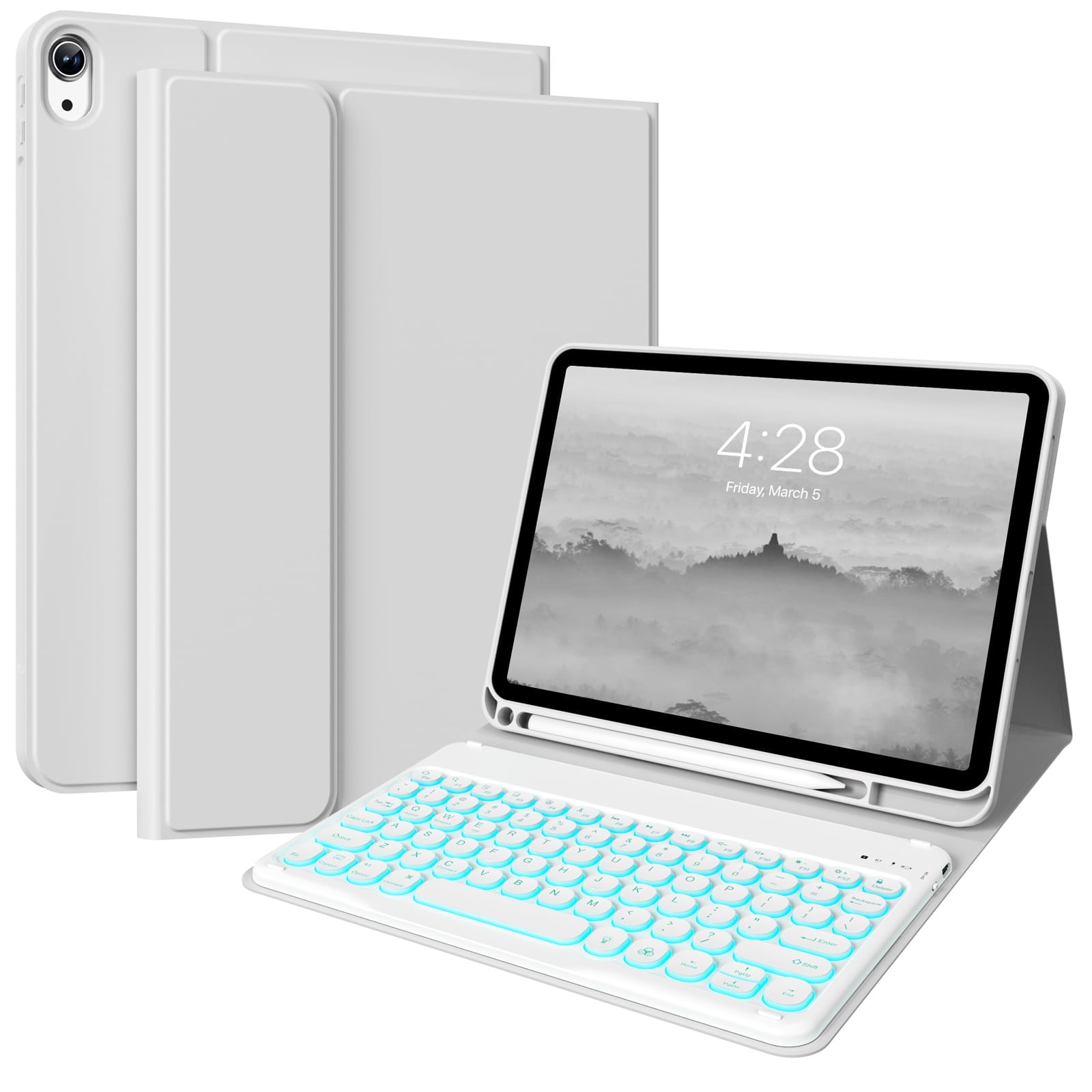
Aoub Backlit Keyboard Case for iPad (a16) 11th/10th Generation 2025/2022 with Pencil Holder, Magnetic Detachable Wireless Bluetooth Folio Stand Rechargeable Keyboard Cover, Grey
Product details
| Management number | 230347310 | Release Date | 2026/06/18 | List Price | $10.00 | Model Number | 230347310 | ||
|---|---|---|---|---|---|---|---|---|---|
| Category | |||||||||
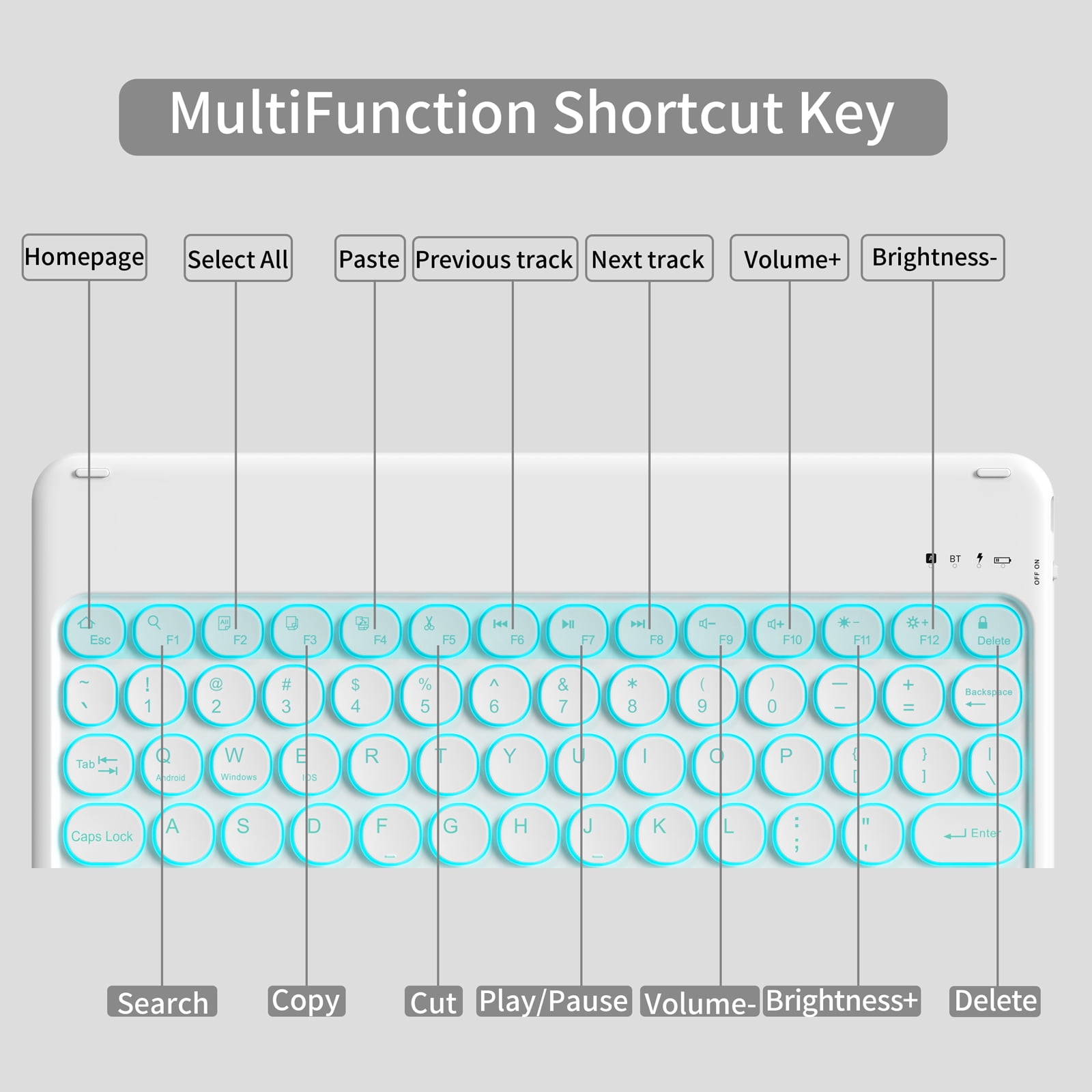
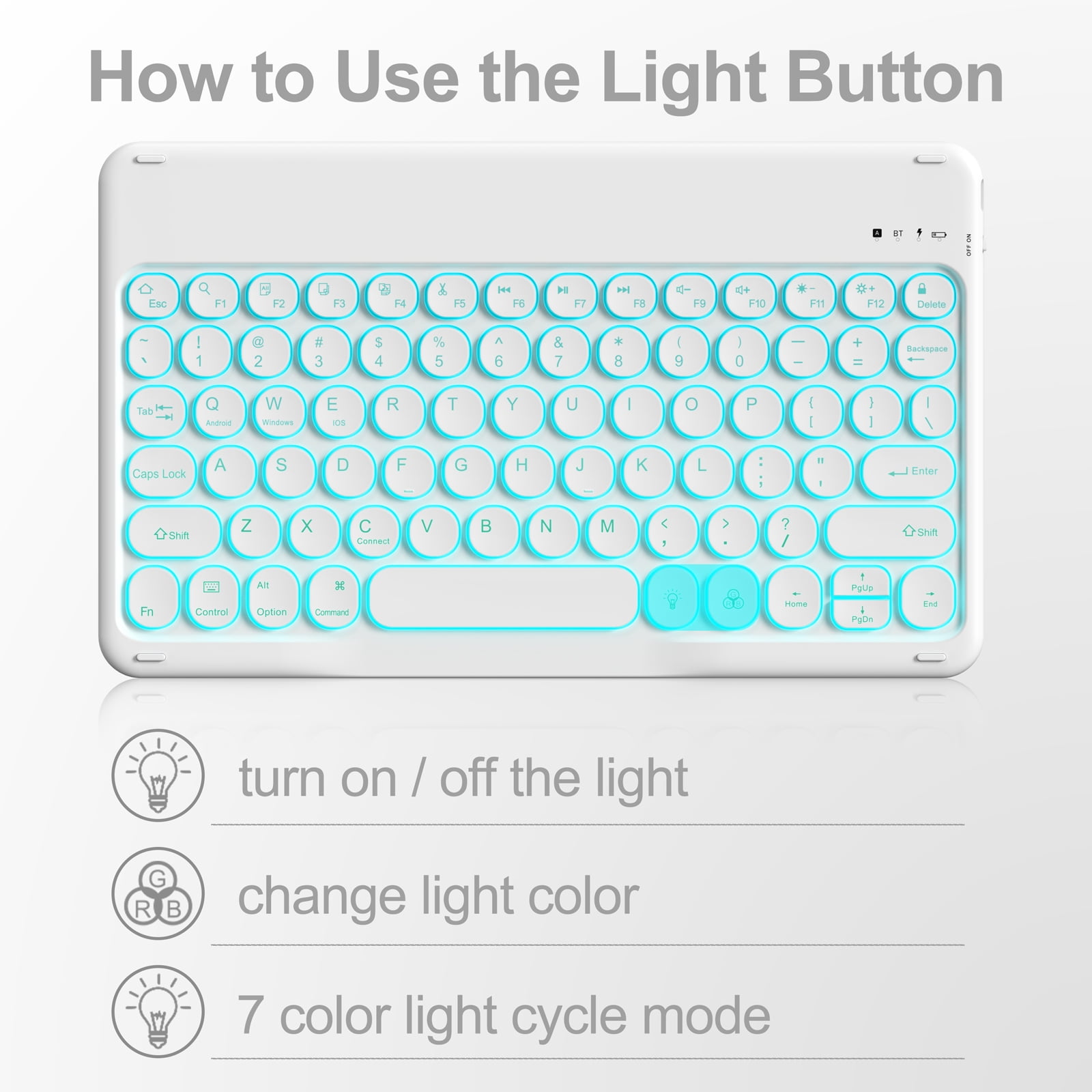
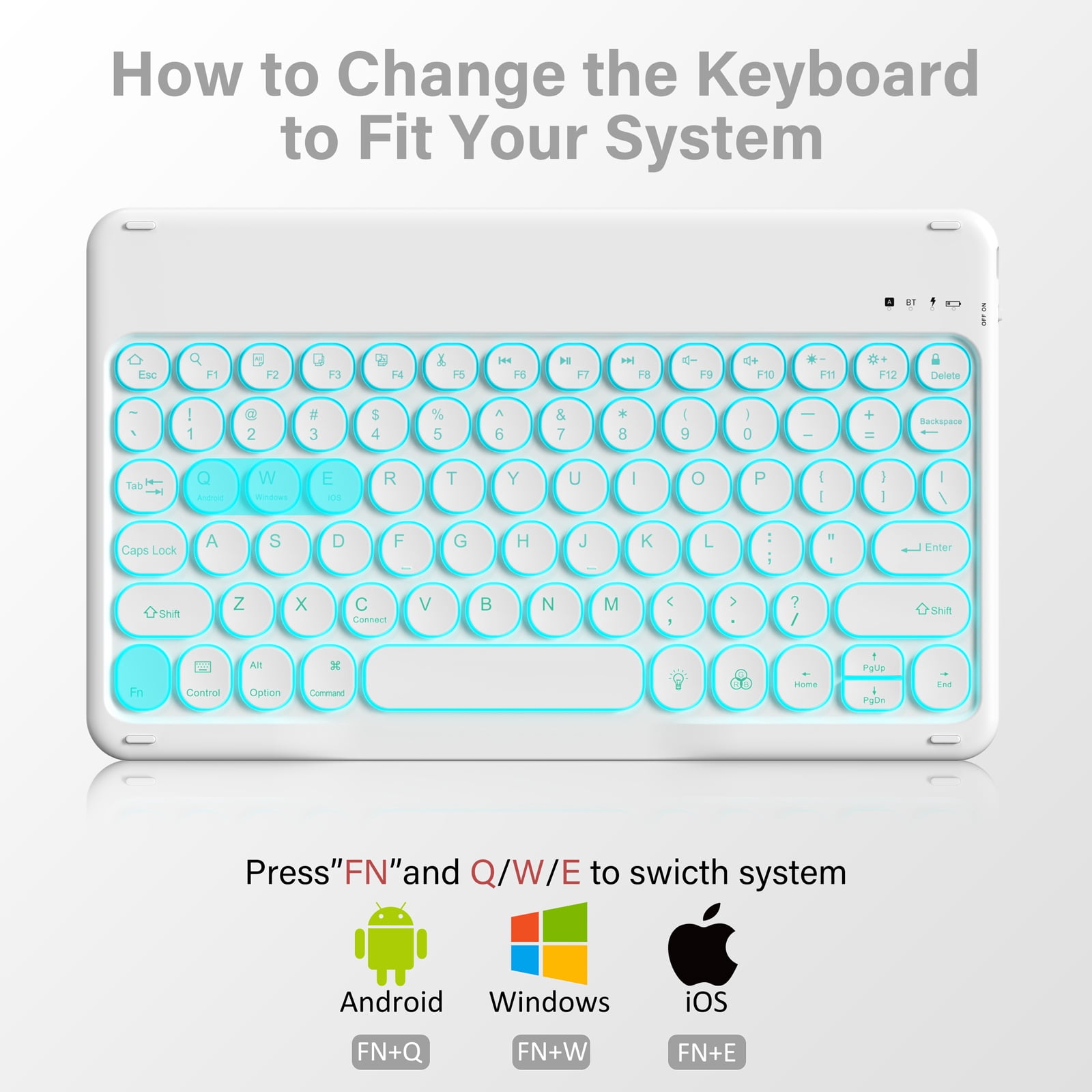
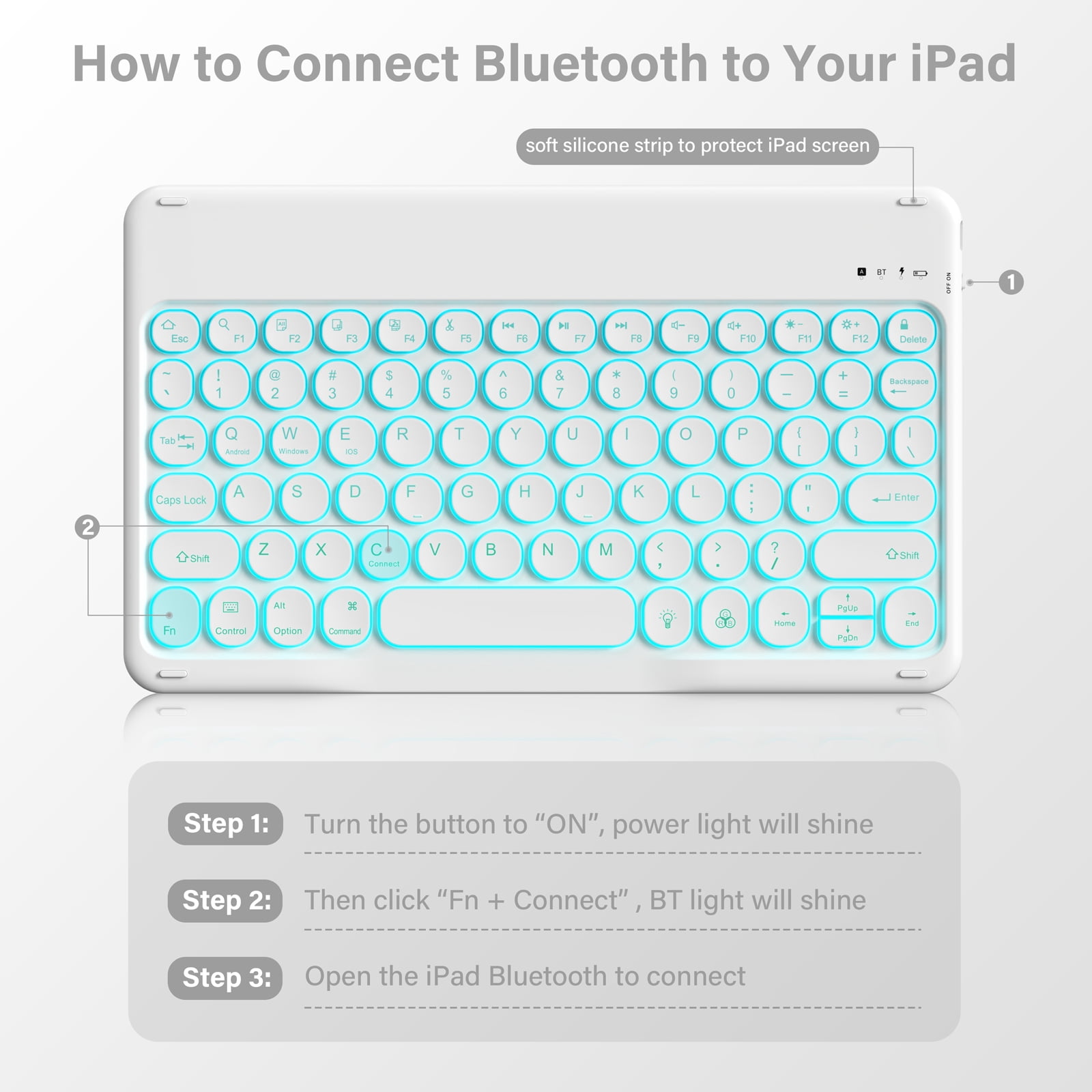
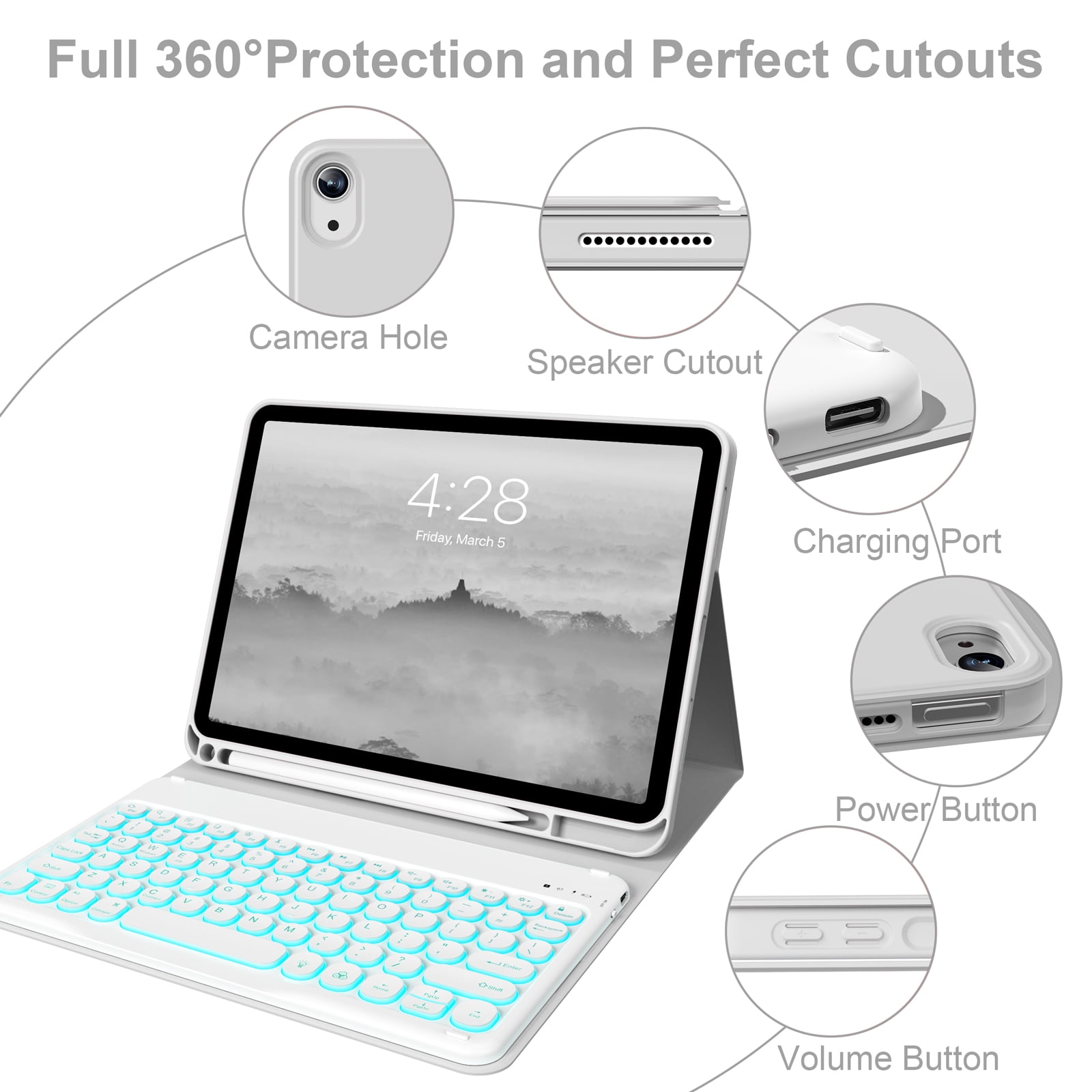
HOW TO CONNECT THE BACKLIT KEYBOARD? Push the power switch button to ON position to turn on the keyboard Press "Fn" and then plus "C" , the bluetooth of the keyboard will flash. Turn on the Bluetooth of your iPad. Choose “Bluetooth Keyboard" option in the searching page to connect keyboard. HOW TO ADJUST THE BACKLIT MODEL? To keep the keyboard color unchanged: After turning on the keyboard switch, press the "light bulb" key(Next to the space bar) to turn on the keyboard backlit. Then press the RGB button next to it to switch to the color you like. If you want to switch to another color later, press the "RGB" key. To switch the light to a cycle of 7 colors: After turning on the keyboard switch, press the "light bulb" key(Next to the space bar) once to turn on the keyboard backlit,press twice to turn on the 7 light cycle mode,press the third time to turn off the backlit.
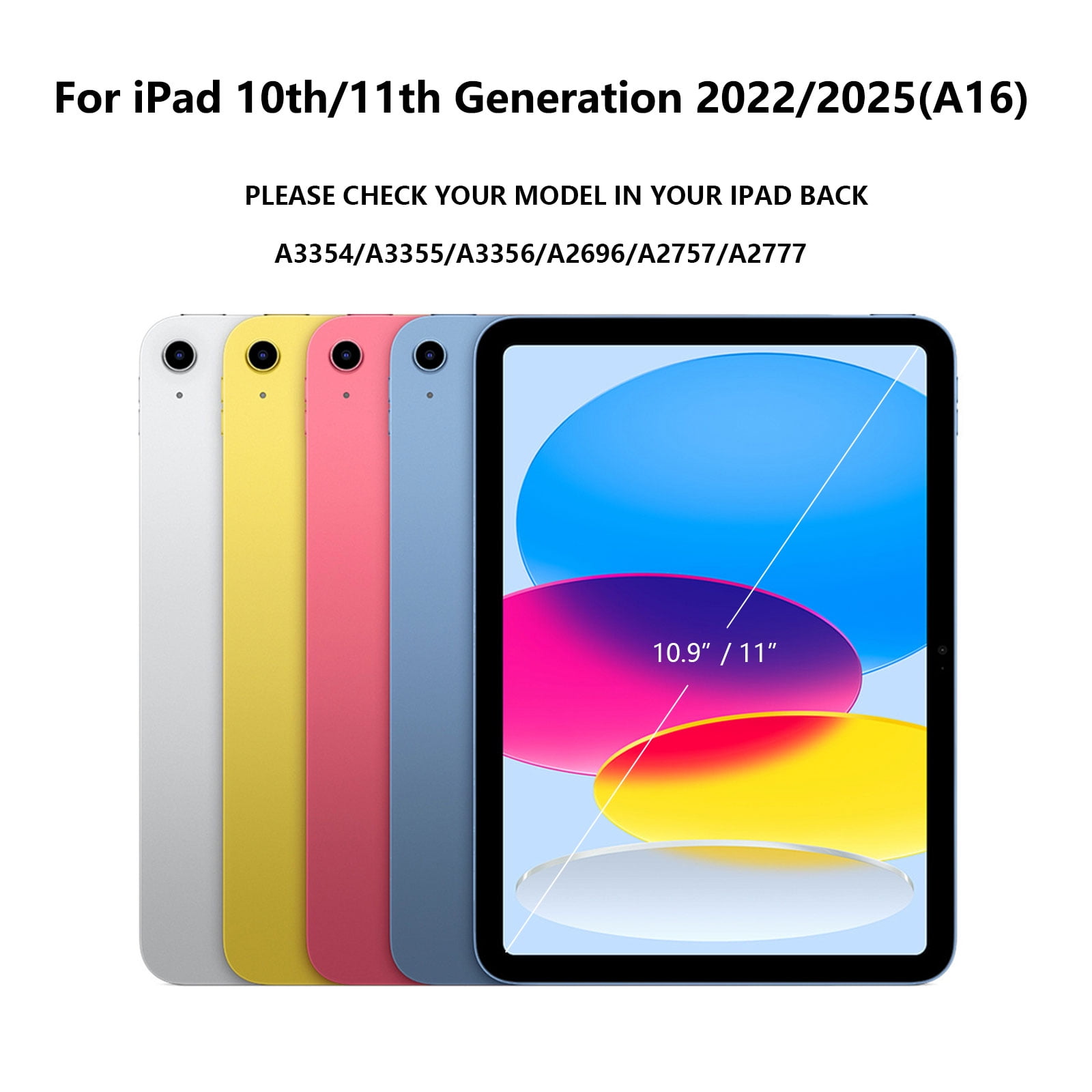
- [iPad 10th/11th Generation Keyboard Case] Compatible only with iPad a16 11th generation 11 inch 2025 (Model: A3354,A3355,A3356), iPad 10th generation 10.9 inch 2022 (Model: A2696, A2757, A2777) Notice: NOT fit any other model. Please check the back of your iPad to confirm the model.(The package does not contain iPad and iPad pencil).
- [7 Colors Backlight] Two light modes, press the "light bulb" key(Next to the space bar) to turn on the keyboard backlit. Then press the RGB button next to it to change the color into the one you like. Press twice of "light bulb" key turn on the 7 light cycle mode, press the third time to turn off the backlit.
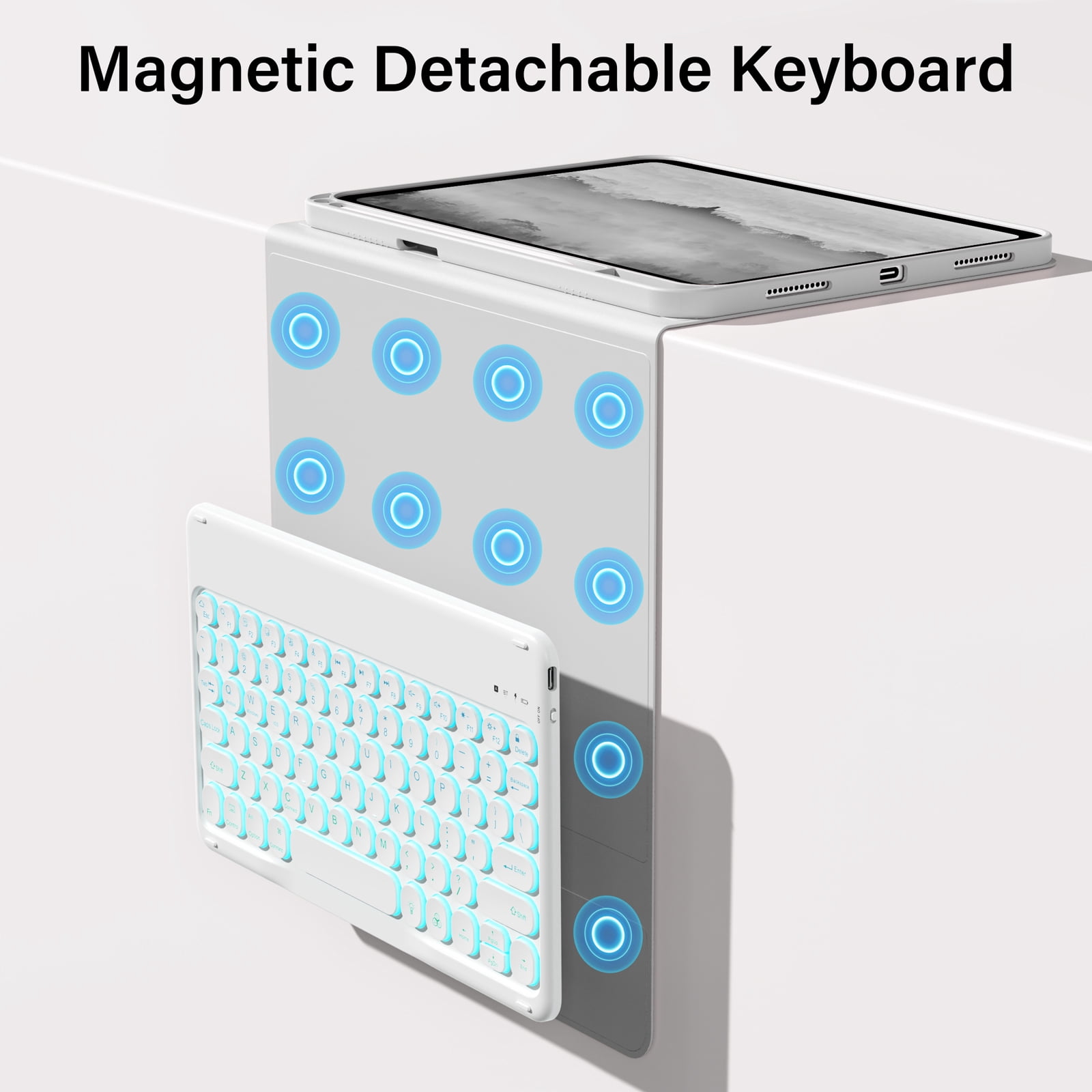
- [Detachable & Bluetooth Keyboard] Magnetic separation of iPad 10.9 keyboard and case, magnetic connection, the keyboard can be removed from the case. iPad keyboard 10th gen USB recharges without replacement. You can remove the keyboard if you don't need it. BT connection is easy to operate.
- [Precise Cutouts & Full Body Protection]The IPad 10th generation case precise cutout allows access to all functions and provides perfect protection for daily use. This iPad case is drop-proof and scratch-resistant and can give your iPad 10th the perfect all-around protection.
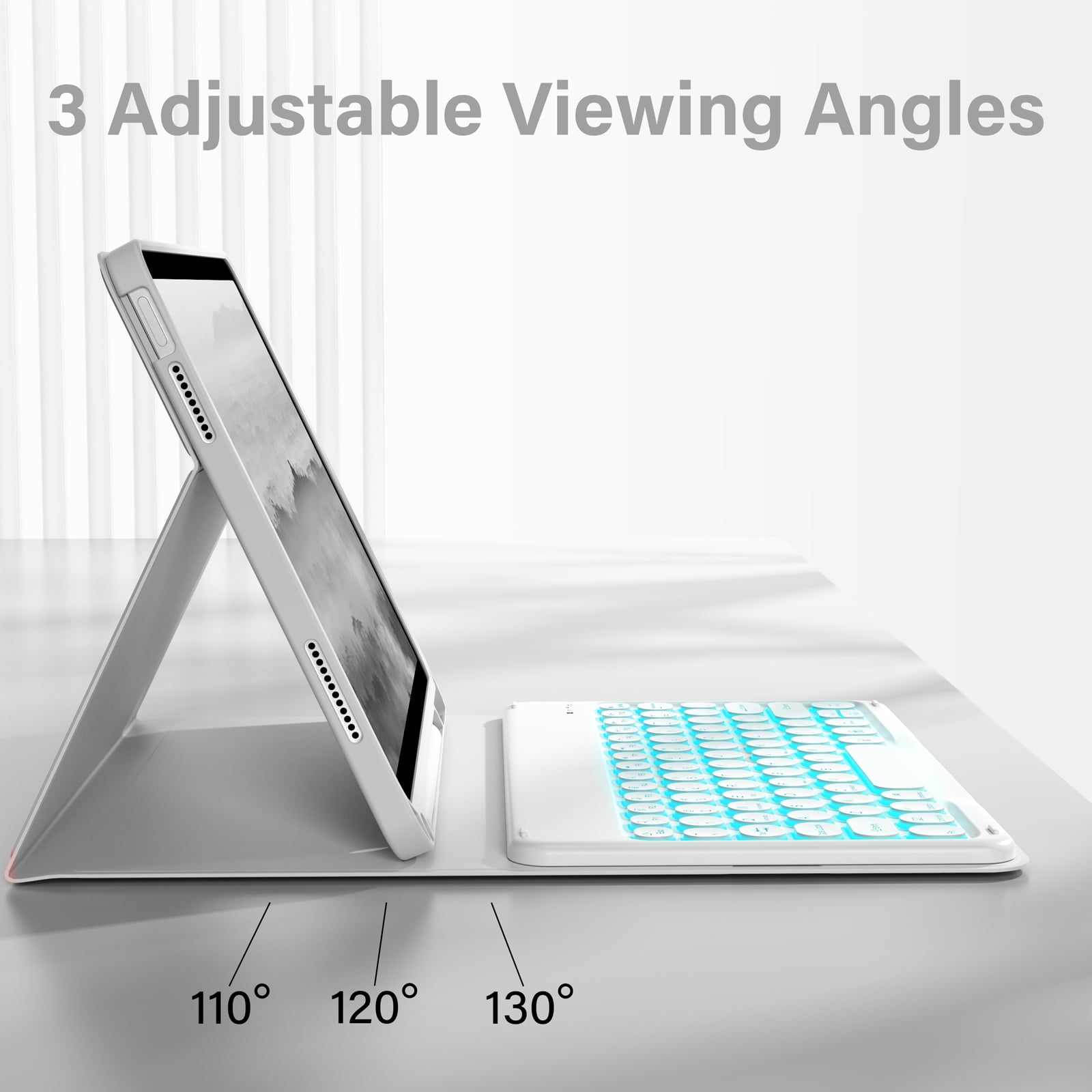
- [Multi Angles & Built-in Apple Pencil Holder]Freely adjustable for the best viewing position, perfect for watching, reading, working or playing games. The iPad 10th generation keyboard case built-in pencil holder, convenient for you to carry your Apple pencil and iPad. Use your Apple pencil whenever you want and never lose it. (Apple pencil or iPad not included!)
| Screen size | 10.9" |
|---|---|
| Weight | 1.5 lbs |
| Size | 10.9 |
| Compatibility | 2022 New 10.9-inch iPad (10th Generation, 2022)(A2757 A2777) |
| Brand | Aoub |
| Color | Backlit - round keycap - Grey |
| Has written warranty | No |
Bestseller ranking
Social Philosophy



Customers who viewed this product also viewed
Healing Crystals



Correction of product information
If you notice any omissions or errors in the product information on this page, please use the correction request form below.
Correction Request Form