
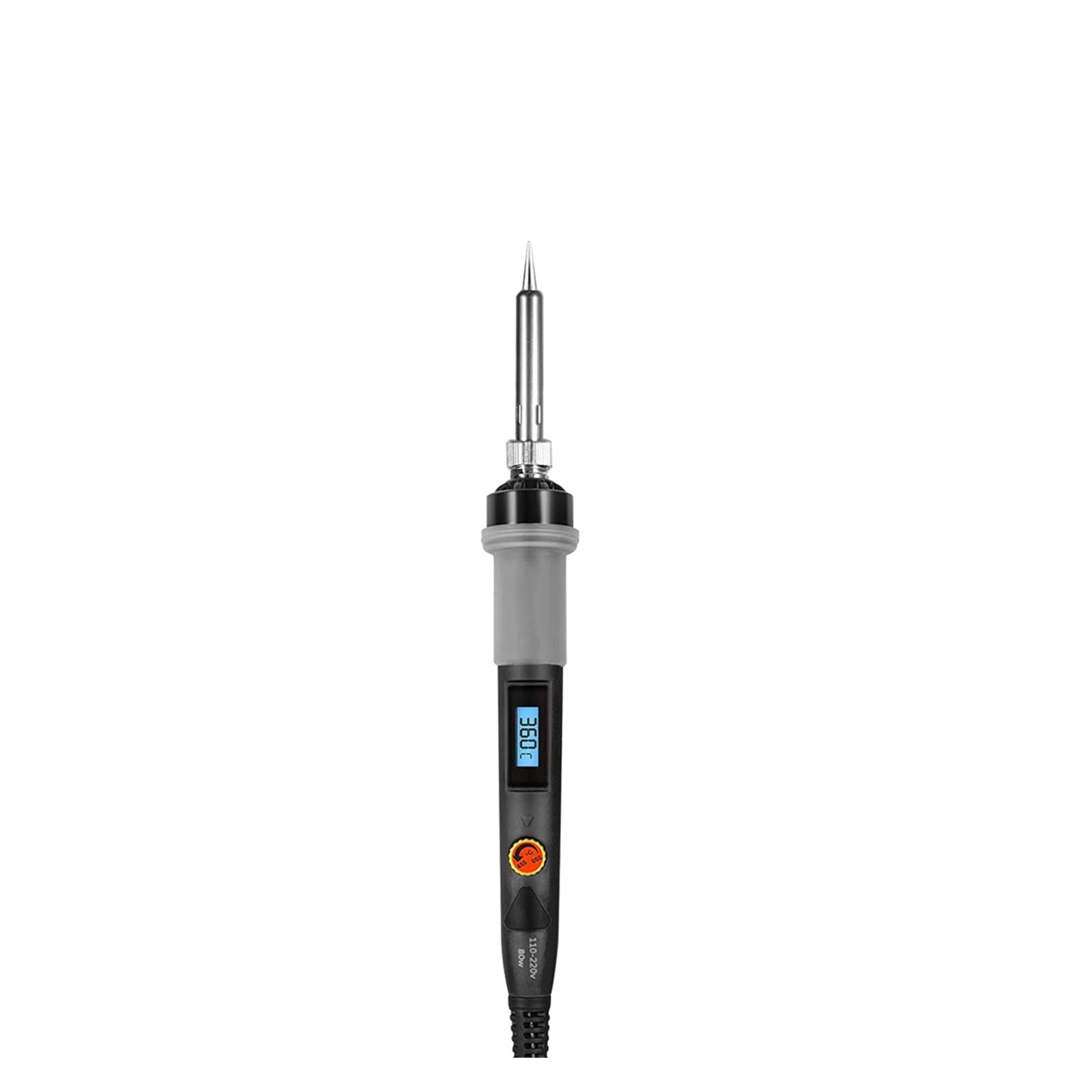
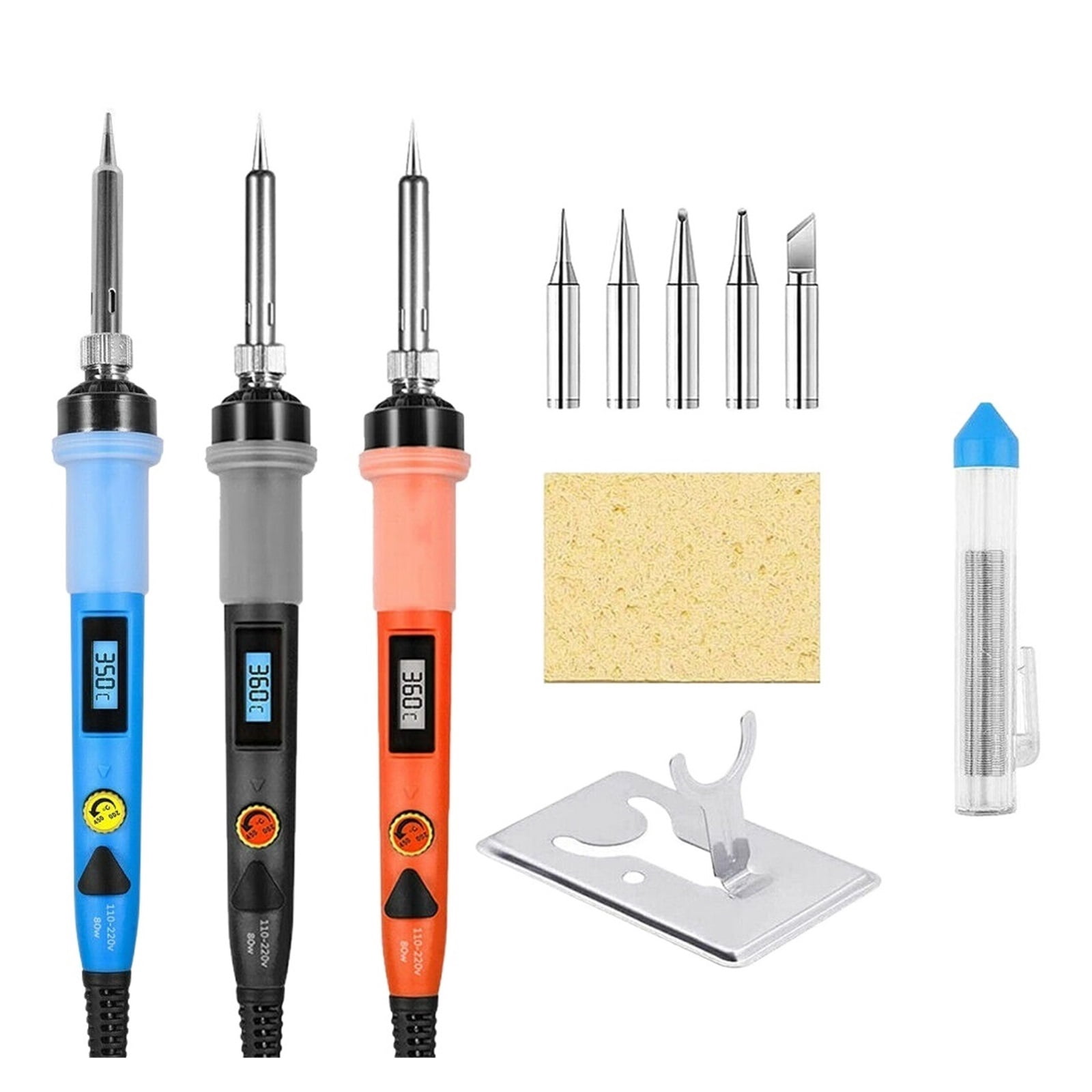
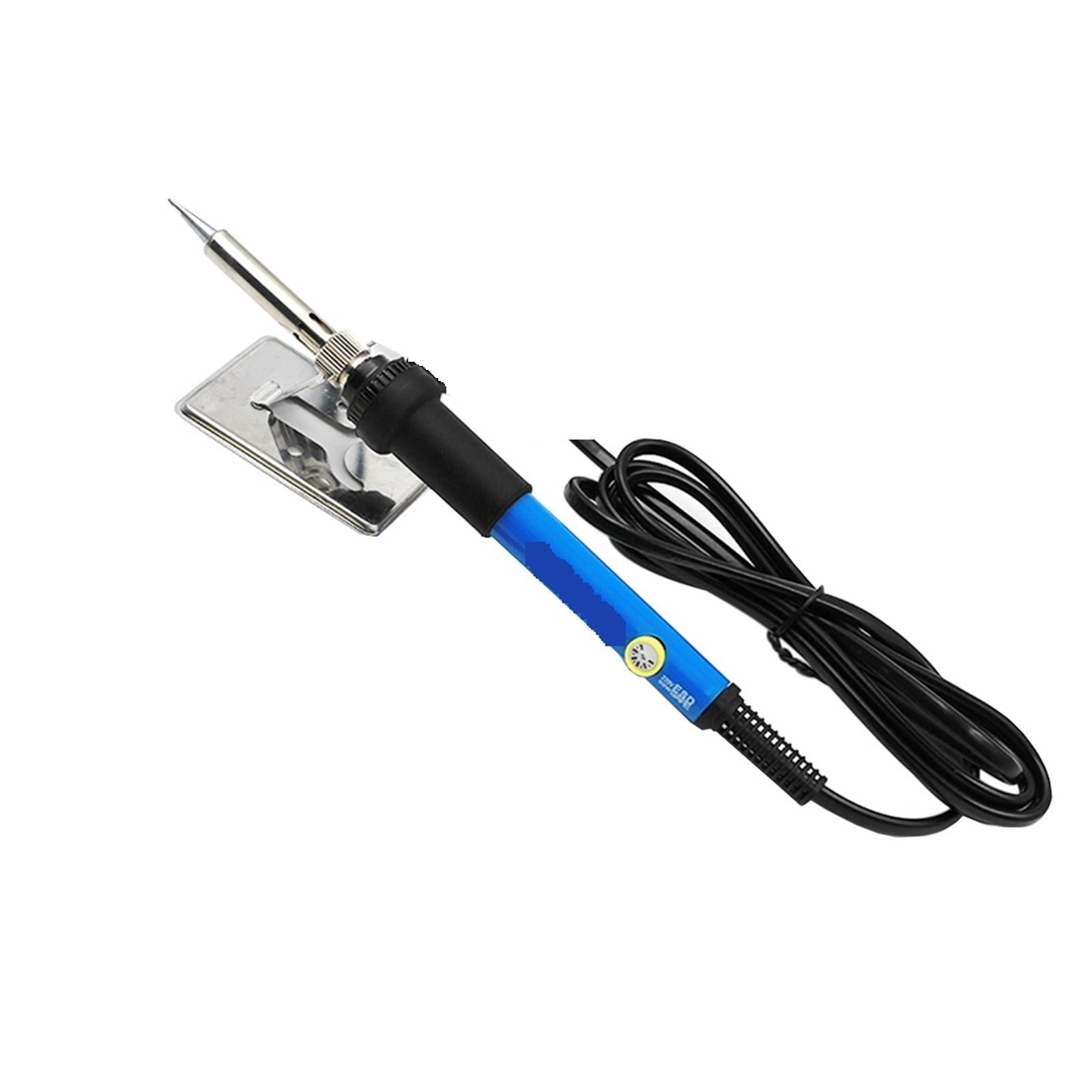
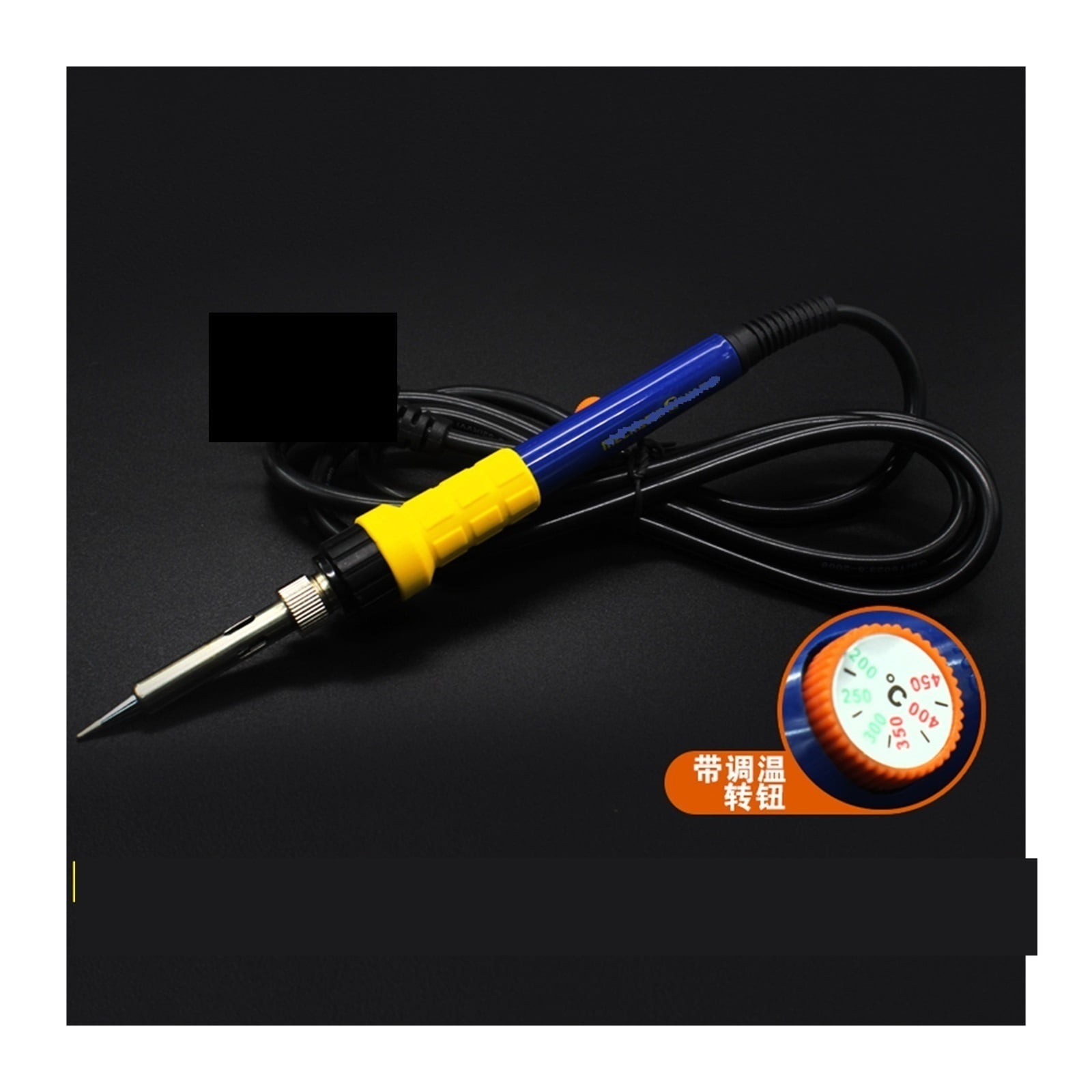
80W Digital Soldering Iron Adjustable Temperature Electric Solder Iron,Rework Station Handle Heat Pencil Welding Repair Tools,Welding Tools
Product details
| Management number | 237900138 | Release Date | 2026/07/11 | List Price | $16.30 | Model Number | 237900138 | ||
|---|---|---|---|---|---|---|---|---|---|
| Category | |||||||||
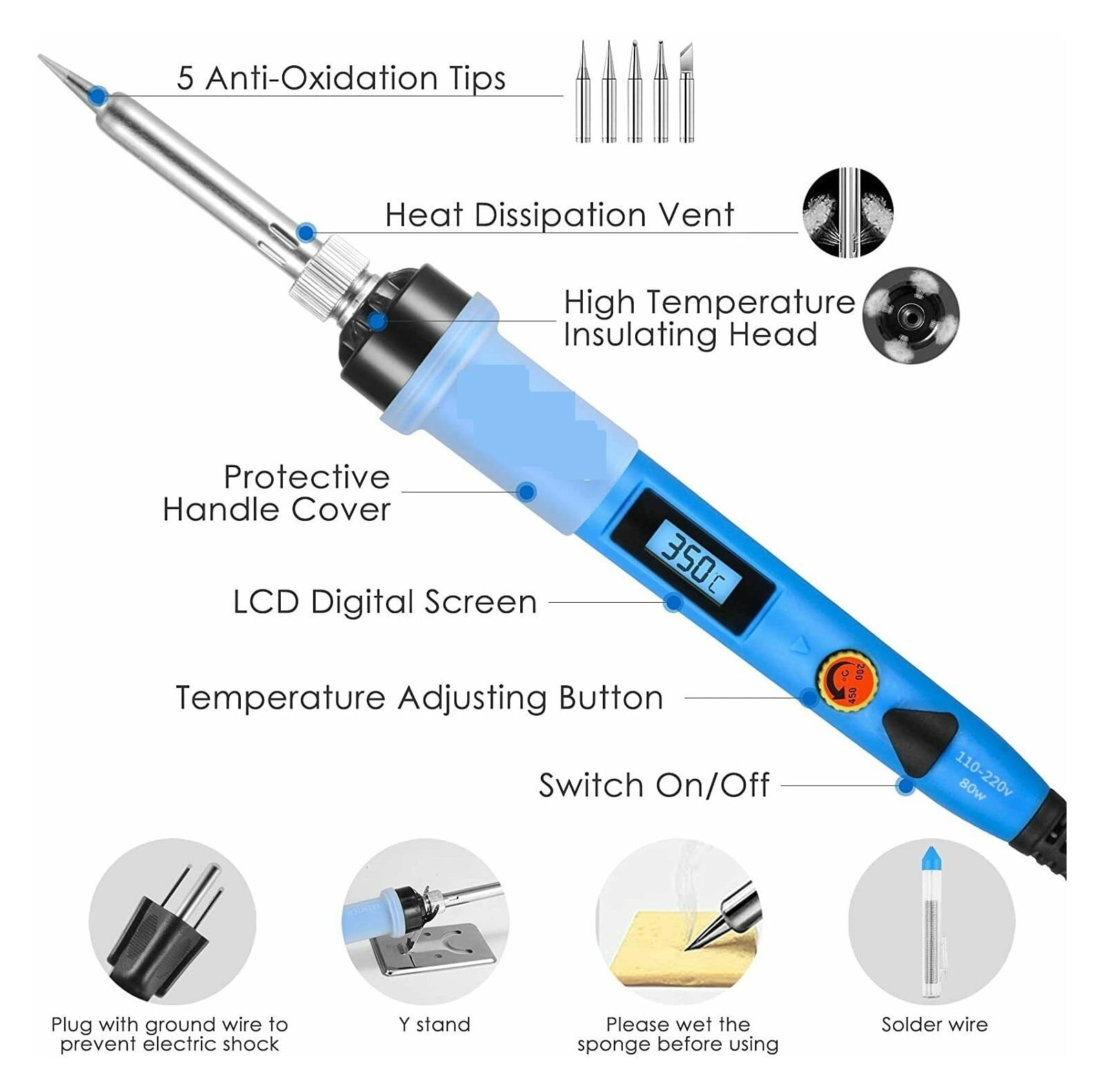
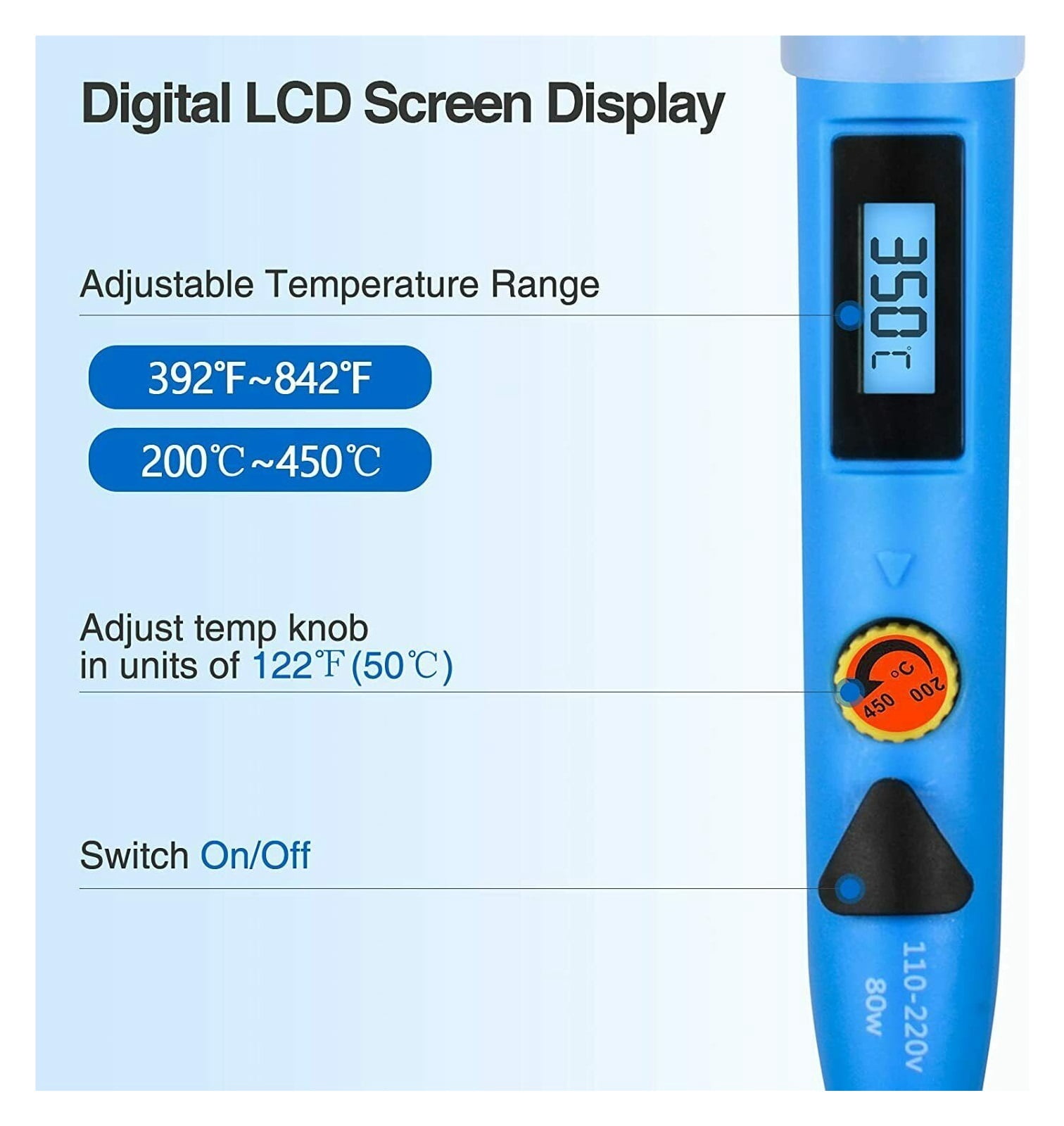
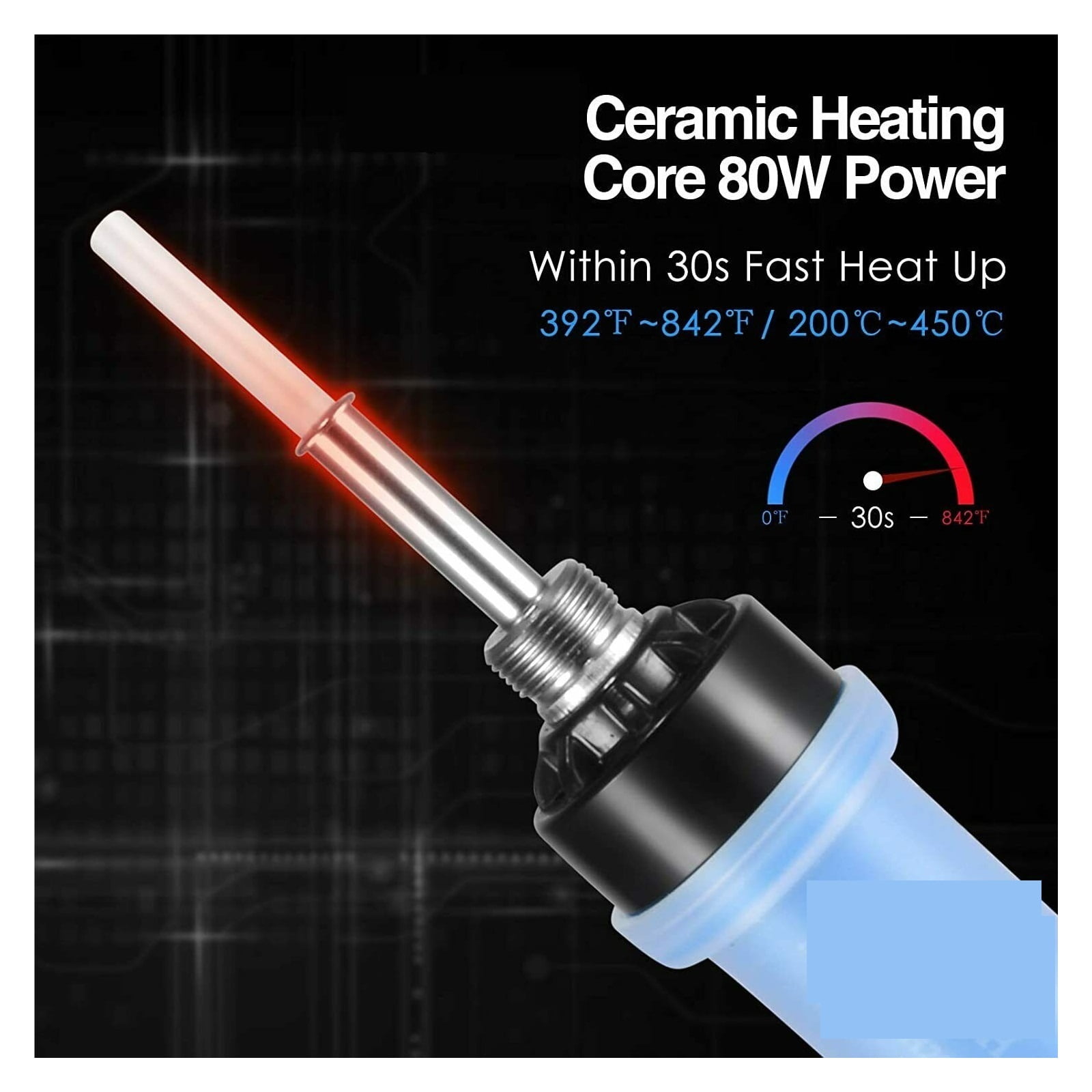
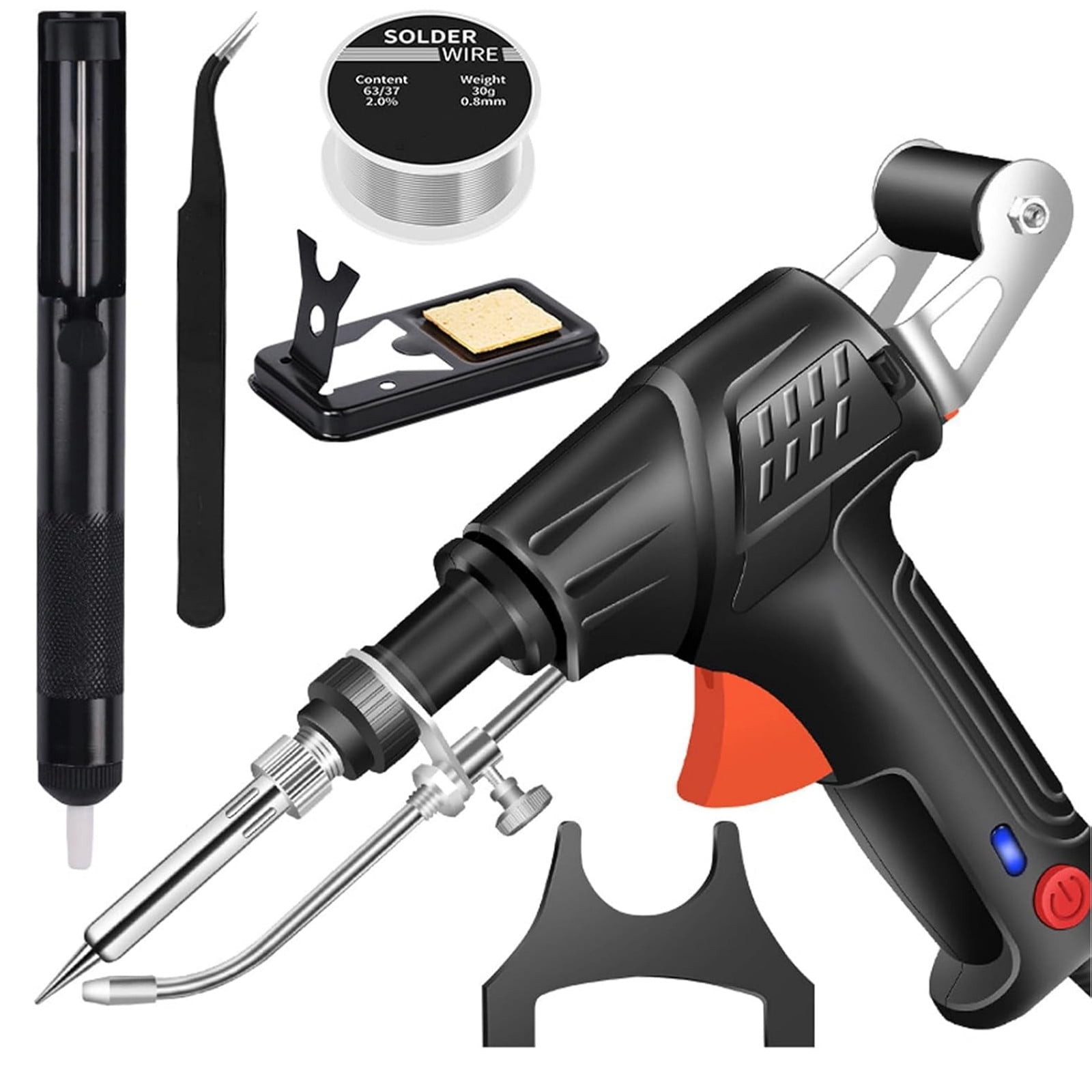
<p>The soldering iron is and play, you can unplug the power and turn off the soldering iron at any time when not in use, ensuring welding safety and energy saving.</p><p>LCD display, indicating the temperature status more clearly, so you don't have to worry about finding the right temperature for each welding job.</p><p>Insulated silicone handle, compact and lightweight design, fast heat dissipation, allowing you to use the soldering iron for a long time.</p><p>Ceramic technology makes the soldering kit heat up very quickly and heats up to the desired temperature in 20 seconds so you can get to work.</p><p>Widely used in soldering circuit boards, electrical maintenance, jewelry and metal headgear production, computers, DIY. for beginners, welders, basic household equipment, welding engineer training and more</p>
- How to solder:
- 1).Determine the right temperature for your project. Which temperature to use depends on the materials you're joining and the kind of solder you're using.
- 2).Once your iron is heated to the appropriate temperature, pick up the iron by the handle in hand and hold a piece of solder in the other hand. Hold the hot iron to the place where the two metal components will meet for about a second to heat them up. You want to heat the metal parts, not the solder itself.
- 3).Touch the solder to the heated components. As the solder melts, it will flow into the gaps it needs to fill. Continue to feed in solder until a sufficient amount is melted. While you need enough to form a solid connection, you don't want to have too much solder either.
- 4).Allow the solder to cool on its own without any action.
- 5).Check the soldering joint for quality. A good connection will appear smooth, uniform and shiny. Make sure that aren't any problematic gaps between the components or globs of excess solder.
- Warm Tips
- 1.Please be really careful when you are using the tools, and you'd better keep it somewhere kids can't reach.
- 2.Please switch to the 392 model, when not using the pencil iron. And please do not keep the soldering iron working under high temperature.
- 3.When welding, do not use too much pressure. As long as the iron tip fully contact the solder joint, heat can be transferred.
- 4.To avoid oxidation, please clean soldering iron tip and "tin" all faces of tip with a coating of solder after using. If there is black oxide on the iron tip, please clean it by WET sponge firstly. This very beginner friendly iron should be in every home's basic tool box, especially when you have various kids' toys!
| Soldering gun & iron type | Soldering Iron |
|---|---|
| Watts | 80 Watts |
| Features | Adjustable |
| Brand | Dag |
| Display | LCD |
| Weight | 3.53 oz |
| Color | S6-Black |
| Has written warranty | No |
Bestseller ranking
Soldering Irons
Customers who viewed this product also viewed
Kotobukiya Action Figures

Correction of product information
If you notice any omissions or errors in the product information on this page, please use the correction request form below.
Correction Request Form